

Portfolio to output
One operating rhythm across every client brand
Move from portfolio attention to client-level evidence and a report snapshot without turning Agency into a collection of higher limits.
01
Multi-brand operations
Manage client brands
Use the workspace brand list and switcher to move through the client portfolio.
02
Portfolio visibility
Spot accounts needing attention
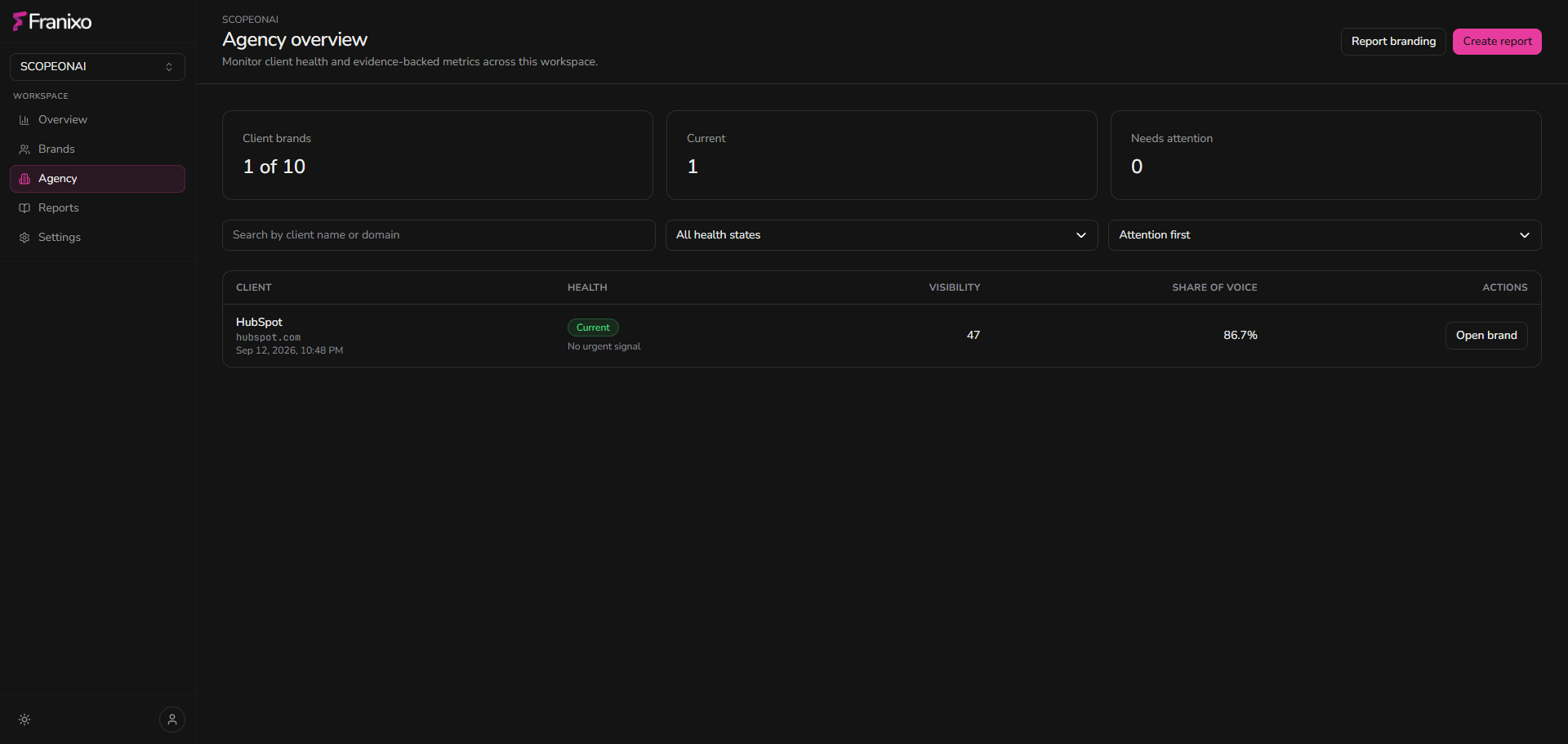
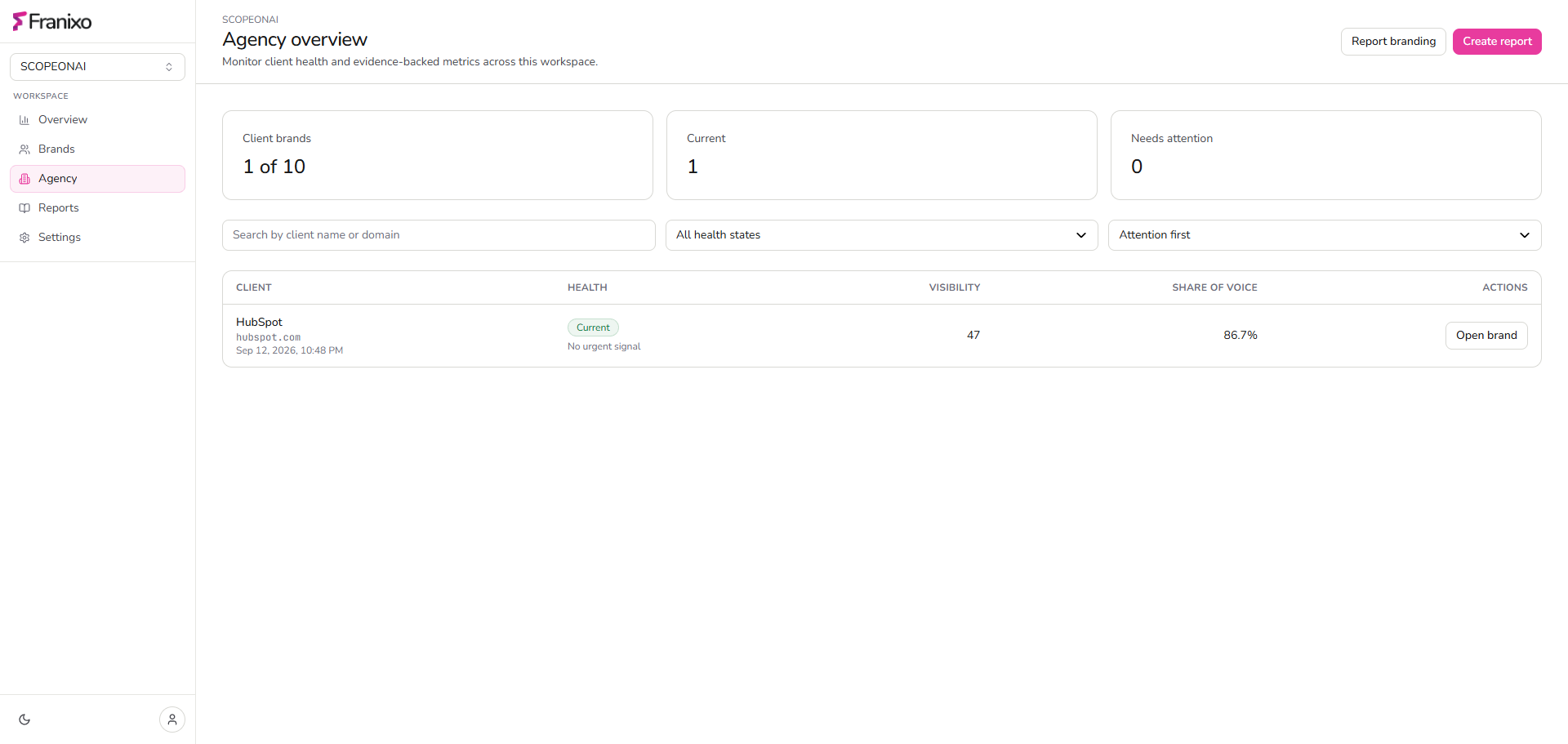
Agency Overview surfaces monitoring health, visibility, Share of Voice and open intelligence counts.
03
Client intelligence
Open the evidence behind the account
Move from portfolio health into the brand’s visibility, competitor, citation, opportunity and recommendation views.
04
Persisted reports
Generate persisted reports
Create client or portfolio snapshots for a selected period without triggering live provider or Search Surface calls.
05
Branding
Apply agency branding
Configure agency name, logo and footer for newly generated report snapshots.
06
Client-ready output
Produce client-ready output
Use the report view and browser print/save-as-PDF workflow for delivery outside Franixo.
Complete client context
Google AI Overviews and Google AI Mode stay distinct report sections.
When entitled persisted data exists, Agency reports show Google AI Overviews and Google AI Mode separately from OpenAI, Perplexity, Gemini, Claude, Microsoft Copilot, DeepSeek and Grok provider measurements.
Persist the evidence before you present it.
Client and portfolio reports use saved observations for the selected period, then apply the configured agency name, logo and footer to the snapshot.
View Agency Pricing