

Citation analysis
Find the Sources AI Relies On in Your Category
AI answers lean on a small set of sources. Franixo collects every citation, shows which domains cite your competitors but not you, and ranks the sources worth pursuing.
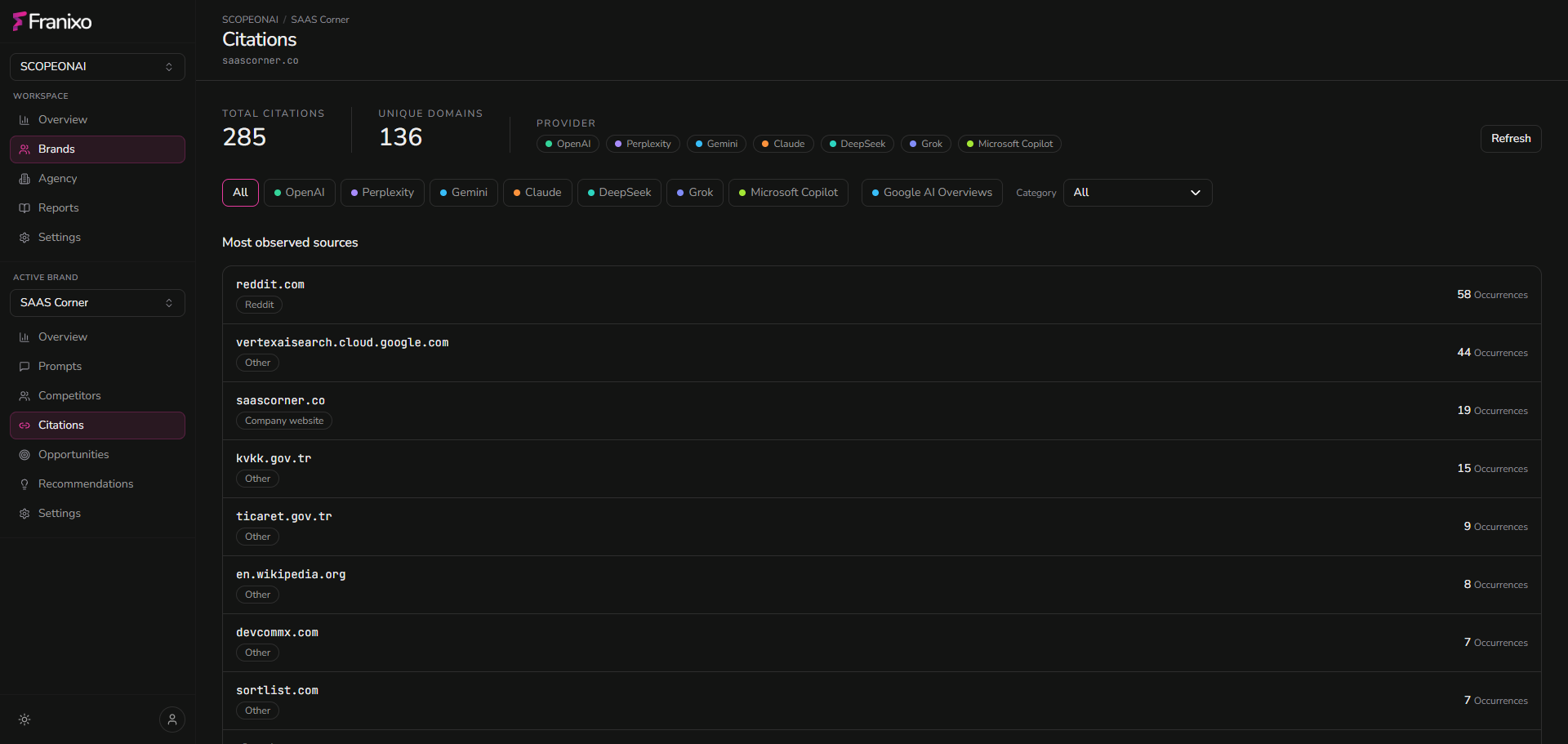
- Every cited URL and domain, per platform
- Sources that cite competitors but not you
- Opportunities ranked by tier
- Your own pages that AI already cites
Capabilities
Turn citations into a source strategy
Citations show what AI platforms read before they answer. Franixo makes them searchable and actionable.
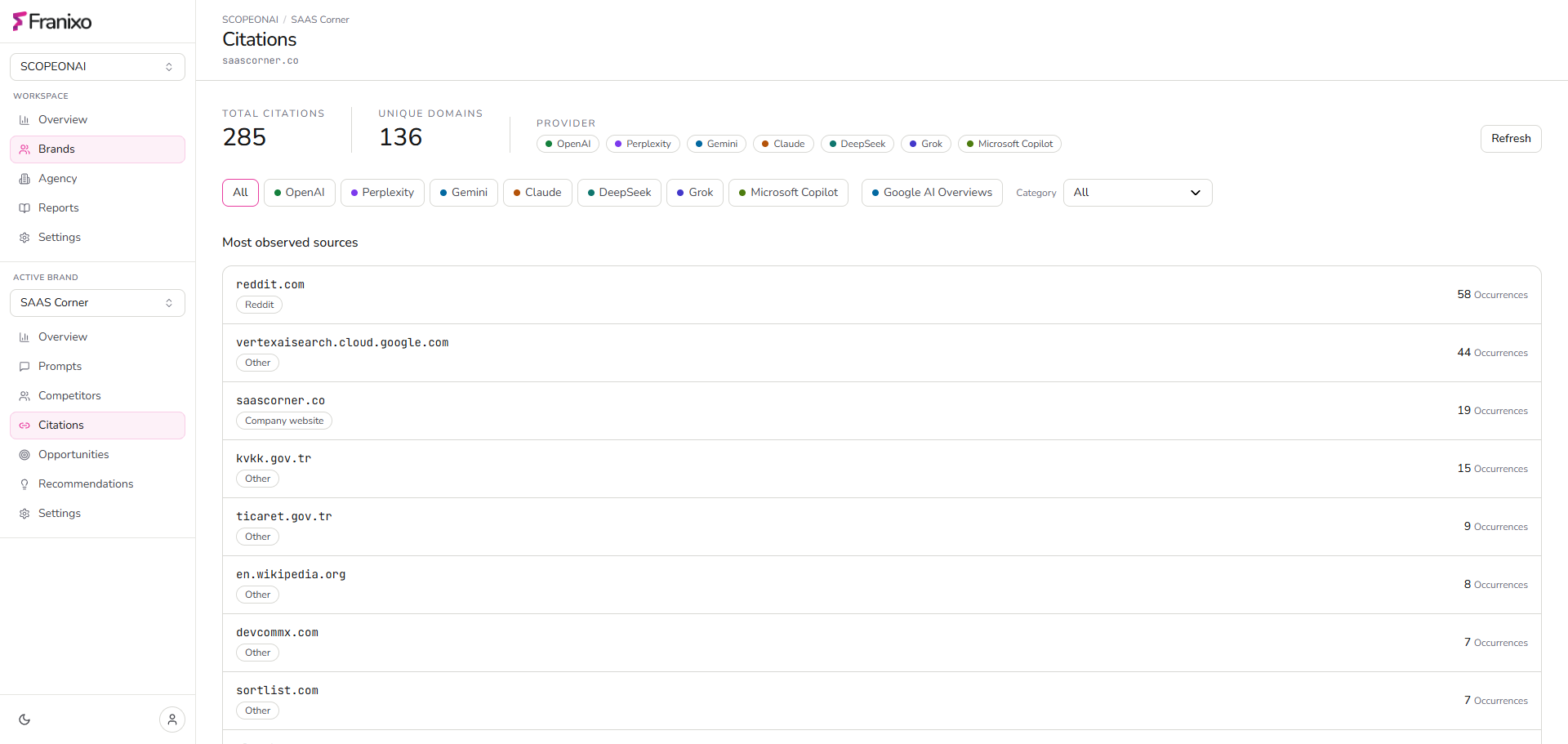
All cited URLs
A searchable list of every page cited in the answers, with the platform and prompt it came from.
Citation gaps
Domains that cite competitors for your prompts but never cite you.
Ranked opportunities
Citation opportunities are scored and grouped into tiers, so the most promising sources come first.
Your cited pages
See which of your own pages AI already cites, and for which questions.
How it works
How citation analysis works
- 1
Collect
Each scan stores the sources cited in every answer.
- 2
Classify
Citations are normalized by domain and classified, so sources can be compared.
- 3
Prioritize
Gaps with enough evidence become actions; the rest stay visible as opportunities.
Who it's for
Who uses citation analysis
Content and PR teams
Know which publications, review sites and directories to target.
SEO specialists
Focus outreach on sources that AI platforms already use.
Agencies
Give each client a concrete source plan backed by citations.
Frequently asked questions
Which platforms provide citations?
Citations come from AI platforms that return sources when they search the web, and from Google AI Overviews and AI Mode. Coverage differs by platform.
Does being cited guarantee a mention?
No. A citation shows that a source was used, not that it caused a mention. Franixo shows correlation, never causation.
Are missing citations counted as zero?
No. When a platform returns no citation data, Franixo reports it as missing, not as zero.
How do I act on a citation gap?
Each gap shows the domain, the prompts and the competitors involved. You can turn it into an action and generate a task draft, such as a directory listing.